
01 / Before opening
Before the first order
A restaurant setup starts with the way your team actually works.
Your menu and service
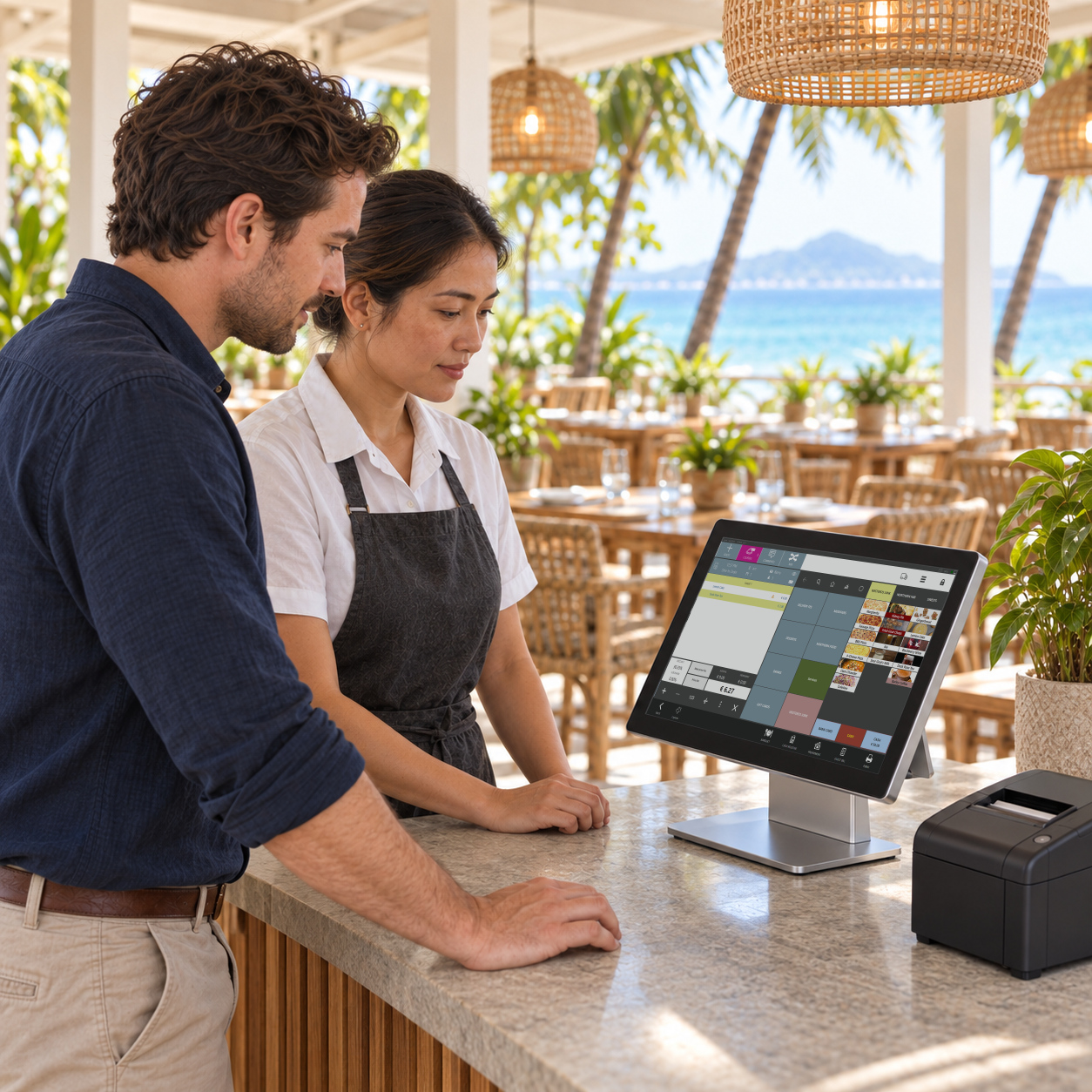
Table service or takeaway. Recipes and stock. We clarify what your configuration needs to cover.
The agreed setup
Licences, compatible equipment and remote configuration, set out in your quote.
The people using it
Practical training for the team working with the system.
Features and compatibility depend on the products, equipment and configuration included in your individual quote.
Case · Cocoon Family, Koh Samui
4open-air restaurants moved to Syrve as one group
Four restaurants, one system, one team to train
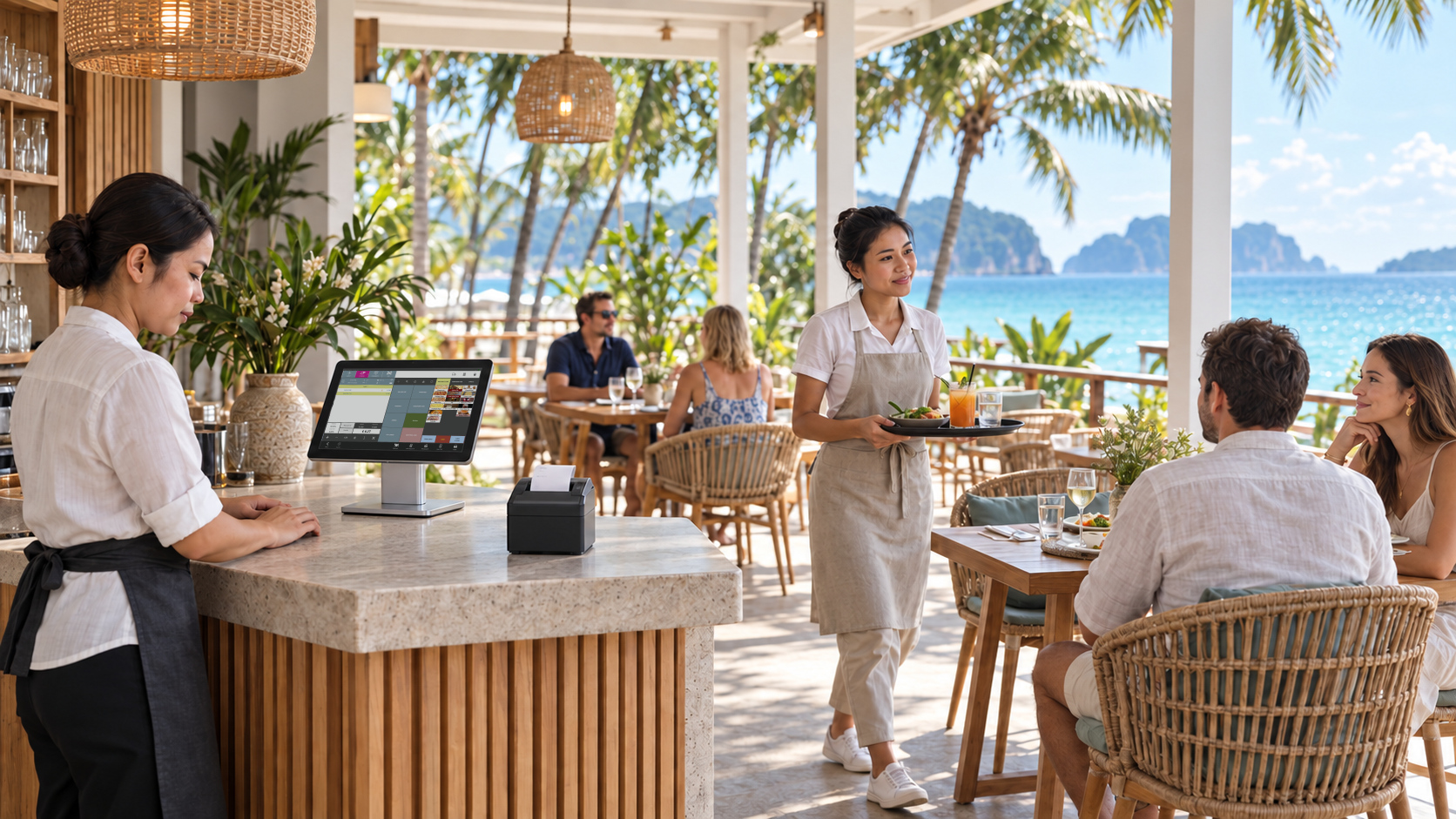
Cocoon Family runs four open-air restaurants on Koh Samui with different menus, a long list of local suppliers and an English-speaking team. Horeca Soft moved the group to Syrve and set up the reports the managers asked for.
The brief
- Move all four restaurants to one platform at the same time, each with its own menu.
- Bring a large number of local product suppliers into purchasing and stock.
- Give managers a clear view of shift work without standing behind the team.
- Migrate the existing base: product matrix and supplier delivery notes.
- Train English-speaking staff on the internal processes: HR, accounting, finance, reporting.
What was set up
- Delivery timing step by step: order received, accepted, courier out, delivered.
- Cooking time for each dish and how long every order stayed open.
- Sales by waiter, who was on shift and which dishes were removed from orders.
- A report on risky operations: removals with or without write-off, with camera footage where cameras are installed.
- Payroll sheets produced automatically and new staff registered in the system.
- Purchasing and reporting without hand-made spreadsheets, so the cost accountant and finance director spend less time re-entering data.
This describes one group’s configuration. Reports, integrations and savings depend on the products and setup in your own quote; no figure here is a promise.
02 / Once you are up and running
What needs attention?
Technical questions go to the support bot. Licences, renewals, invoices and payments go to one account contact.
A question about the system
Technical support
Use the support bot for day-to-day technical questions. The bot is available 24/7; this does not promise an immediate human response.
Open technical supportA licence, renewal, invoice or payment
Licensing and billing enquiries
Submit the form for licences, renewals, cancellation, invoices, payments and refunds. Our team will reply to your email. Include your restaurant and the order or invoice reference. Never send card details.
Contact licensing and paymentsTHB · Billing details
A clear quote. A predictable billing period
No one-size-fits-all price. Before paying, you receive your agreed amount in Thai baht (THB), service scope, dates and renewal method.
Billing details- One monthly invoice. Two separate lines: Syrve licence and Syrve technical support.
- Prepaid calendar months. Both lines are prorated for the first partial month.
- Pay each invoice yourself, or separately authorise automatic renewal.
Before we start
Are you the developer of Syrve?
No. Syrve is the software vendor. Horeca Soft is your licence seller, implementation partner and support provider.
When is the licence activated?
Within one business day after we receive payment and the information required for setup. We do not activate licences at weekends.
Is automatic payment required?
No. Manual payment and separately authorised automatic renewal are different options. Your quote confirms which applies.
What if I stop renewing?
You keep the licence and support through the paid period. An unpaid next period does not renew; there is no grace period after paid access expires.
Can I get a refund for an unused part of a month?
Not solely for voluntary early cancellation. Payment errors, non-delivery and rights required by law are handled separately under the refund policy.
Horeca Soft · Thailand
Tell us about your restaurant
Opening a venue, moving from another system, or looking for Syrve support? Start with your setup and what you need.
Already using Syrve and need technical help? Technical support on Telegram ↗